OSneo —
Workforce App
Built a cross-platform React Native app for HVAC field workers to manage jobs, log time, track attendance, and capture digital signatures — all synced with the ERP in real time.
Year
2024
Industry
Field Services / HVAC
Client
OSneo
Duration
3+ months

01 —Problem
Field work running on paper and phone calls
For the technicians out in the field, a typical day meant showing up, getting a job briefing over the phone, scribbling notes on paper, and calling the office whenever something changed. There was no reliable way to log hours, mark attendance, or know what was coming up next without someone manually passing that information along.
On the office side, it was just as messy. Nobody really knew where a job stood until a technician called in. Billing had to wait for paperwork to come back. And chasing signatures from customers meant delays that dragged out the entire invoicing process.
02 —Agitation
Every manual step was a chance for something to go wrong
The bigger the team got, the more these small friction points compounded. A missed call meant a job update sitting in limbo. A lost timesheet meant payroll headaches. A delayed signature meant a delayed invoice — and delayed cash flow. None of these were catastrophic on their own, but together they were quietly slowing everything down.
Technicians were spending mental energy on logistics that should've been handled automatically. The office team was constantly in reactive mode, patching up gaps instead of planning ahead. The whole operation needed a way for everyone to stay on the same page without having to work at it.
03 —Solution
Everything a field worker needs, right in their pocket
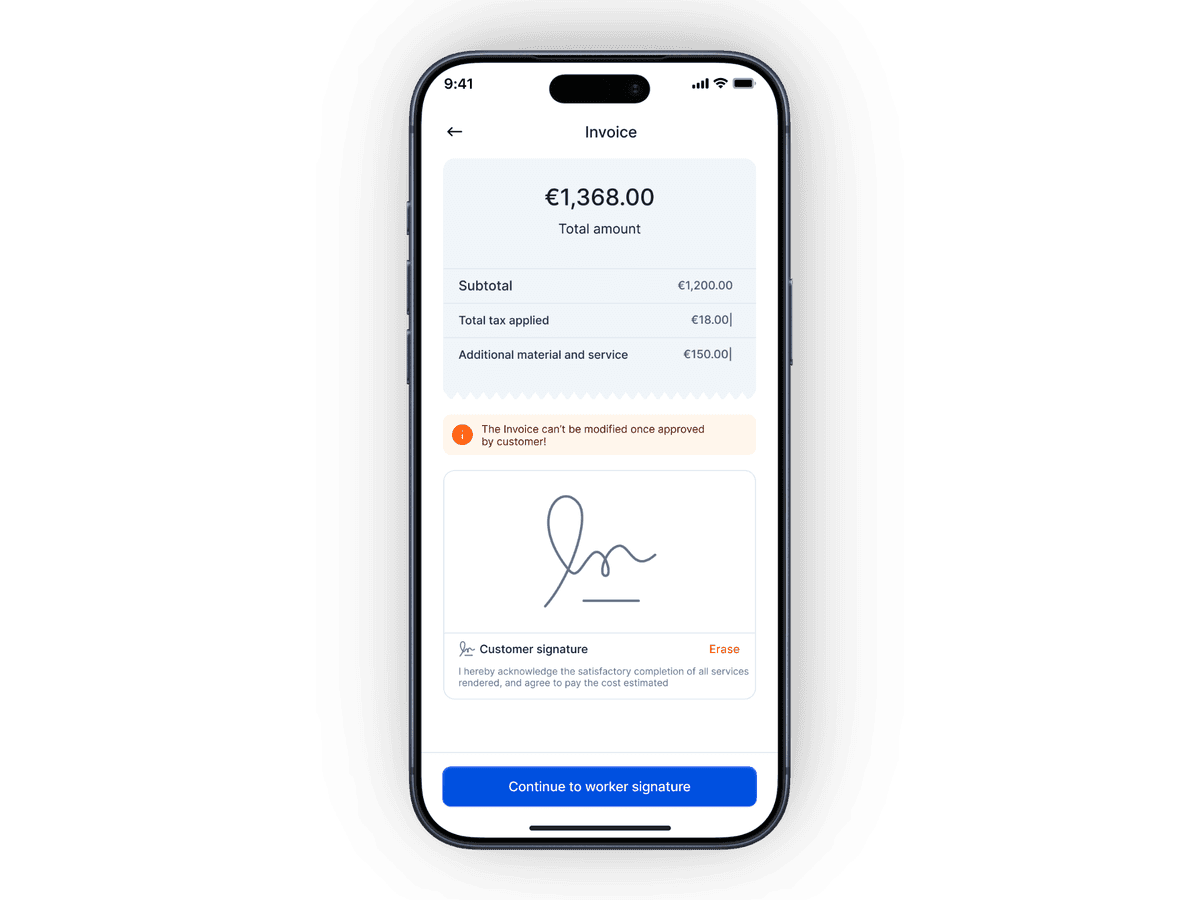
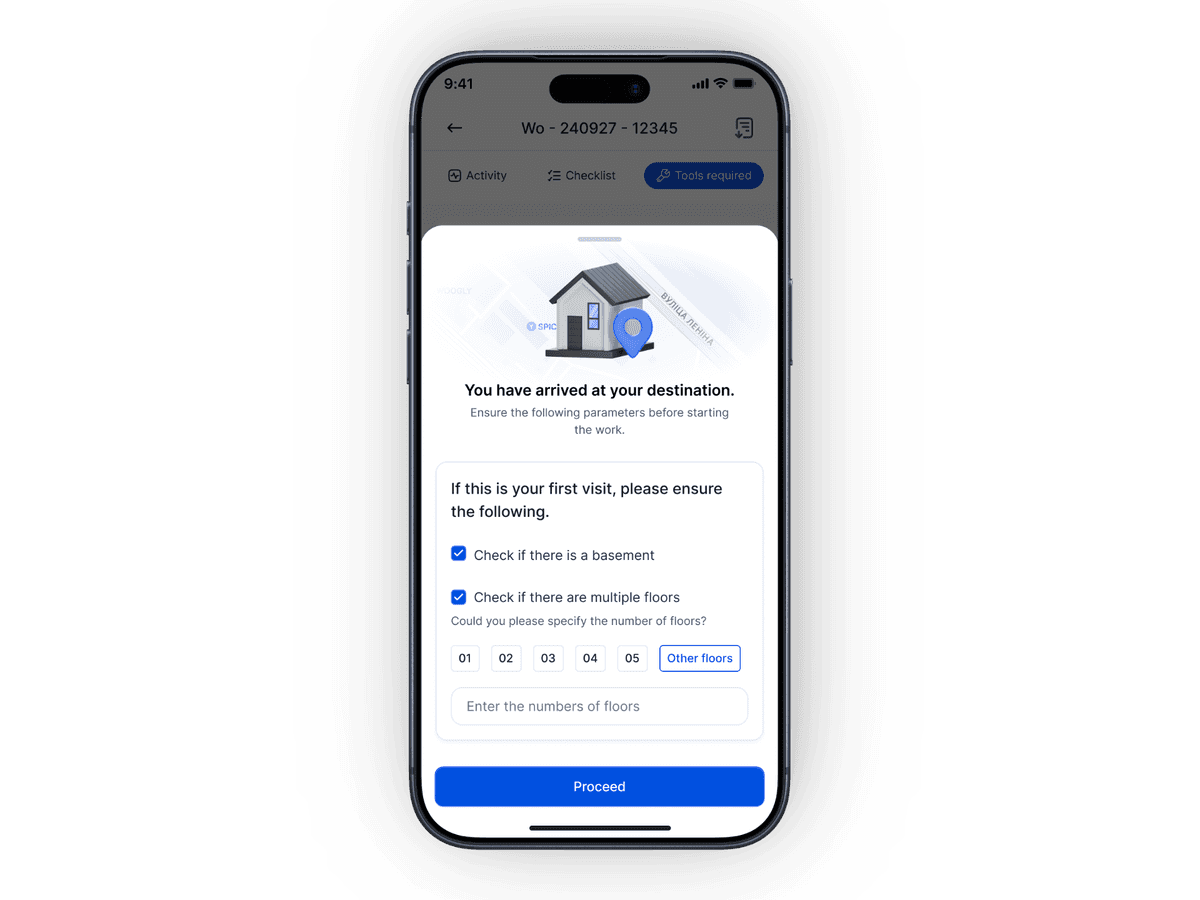
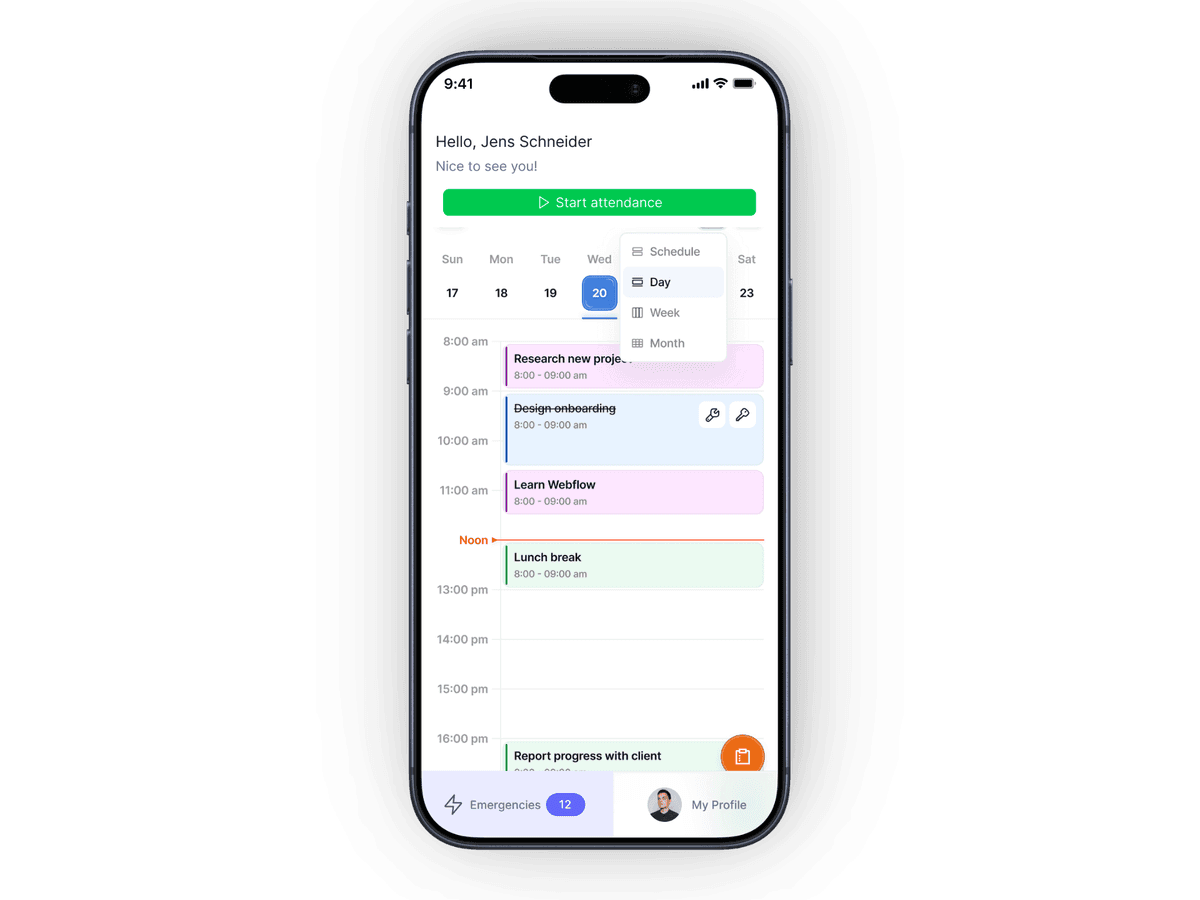
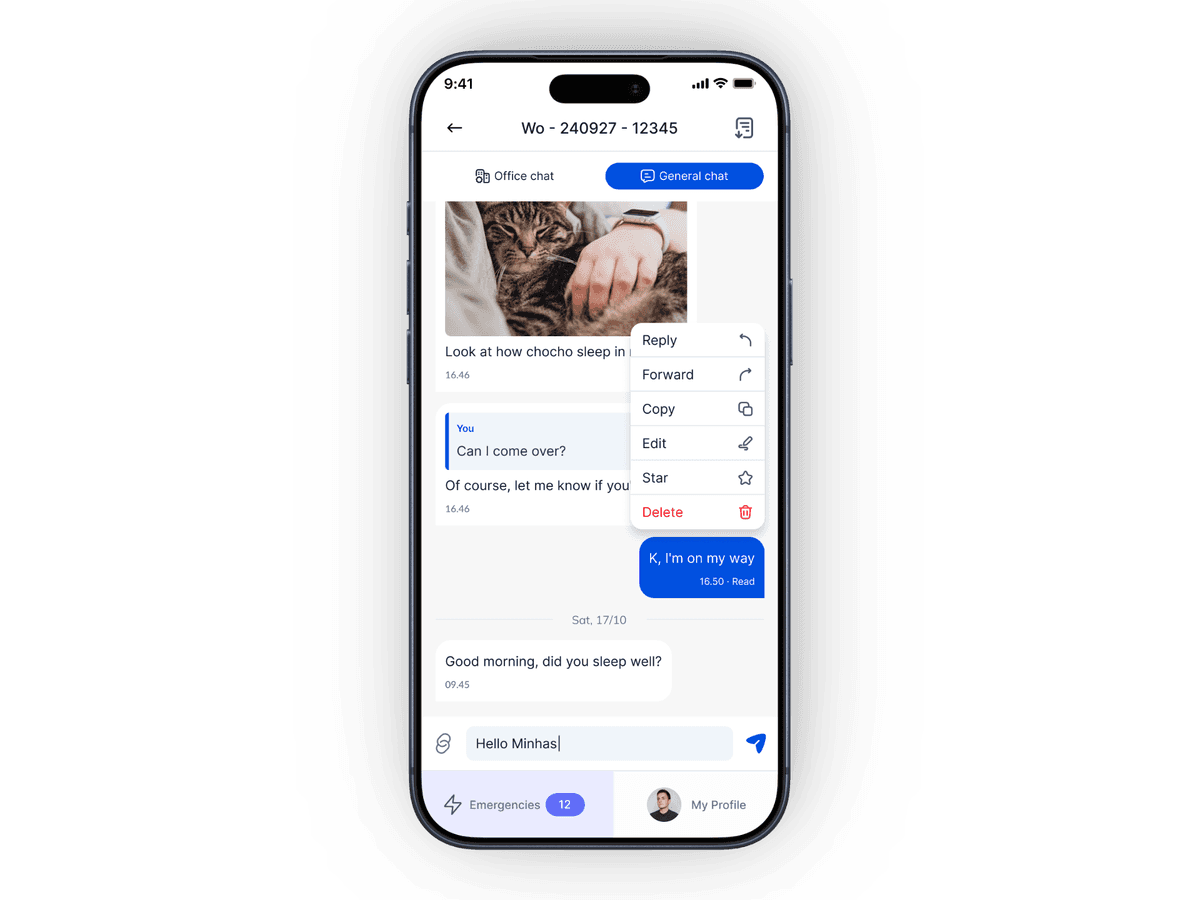
I built the OSneo Workforce app solo — a cross-platform React Native app that gave technicians a single place to start their day. Attendance gets logged in the app, jobs show up on a calendar so everyone knows what's ahead, and all the ticket details and job info are right there without needing to call anyone. Time tracking happens as work progresses, and once a job is done, the technician can capture the customer's signature on the spot.
Everything syncs live with the ERP dashboard, so the office always has an up-to-date picture of what's happening in the field. Push notifications keep technicians in the loop on new assignments or changes, invoice visibility means no more billing surprises, and the whole back-and-forth between field and office that used to eat up everyone's day just... stopped being a thing.
04 —Summary
Less back-and-forth, faster everything
Paperwork dropped, billing got faster, and technicians could actually focus on the work instead of the admin around it. Building both sides of this system — the ERP dashboard and the workforce app — meant they worked together exactly as intended from day one.